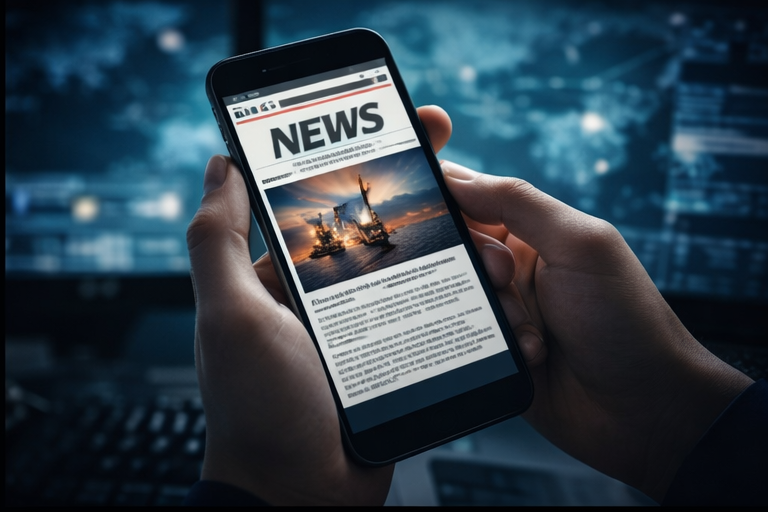
The Offshore Hub mobile experience is being shaped around a different reality than desktop. Many candidates check vacancies during travel, between shifts, at home on the sofa or quickly during a break. They need a layout that gets to the point. A mobile job page should not feel like a compressed desktop page, and a mobile news article should not require the user to fight through heavy spacing before reaching the content.
The latest mobile work focuses on faster scanning. Job cards need stronger hierarchy, fewer unnecessary words and clearer action areas. News cards need proper images, readable titles and enough context to show whether the story is worth opening. The bottom navigation gives quick access to home, jobs, search, news and menu without forcing the user back to the top of the page.

A dedicated mobile feel
A strong mobile design should feel intentional. That means compact filters, visual cards, short metadata rows, strong buttons and a clear path to open the original source. It also means the news section must have its own mobile article layout with image captions and related stories, not just a plain text dump.
Consistency between desktop and mobile remains important. The same job data should power both views, and article blocks should render properly on both devices. If a news item has an image inside the article on desktop, mobile should understand that block too. If a job has a source label, it should not disappear on phone.
Mobile will continue to be one of the most important areas for Offshore Hub. The site should be useful even when the candidate only has a minute to check what is new.